GlanceRF
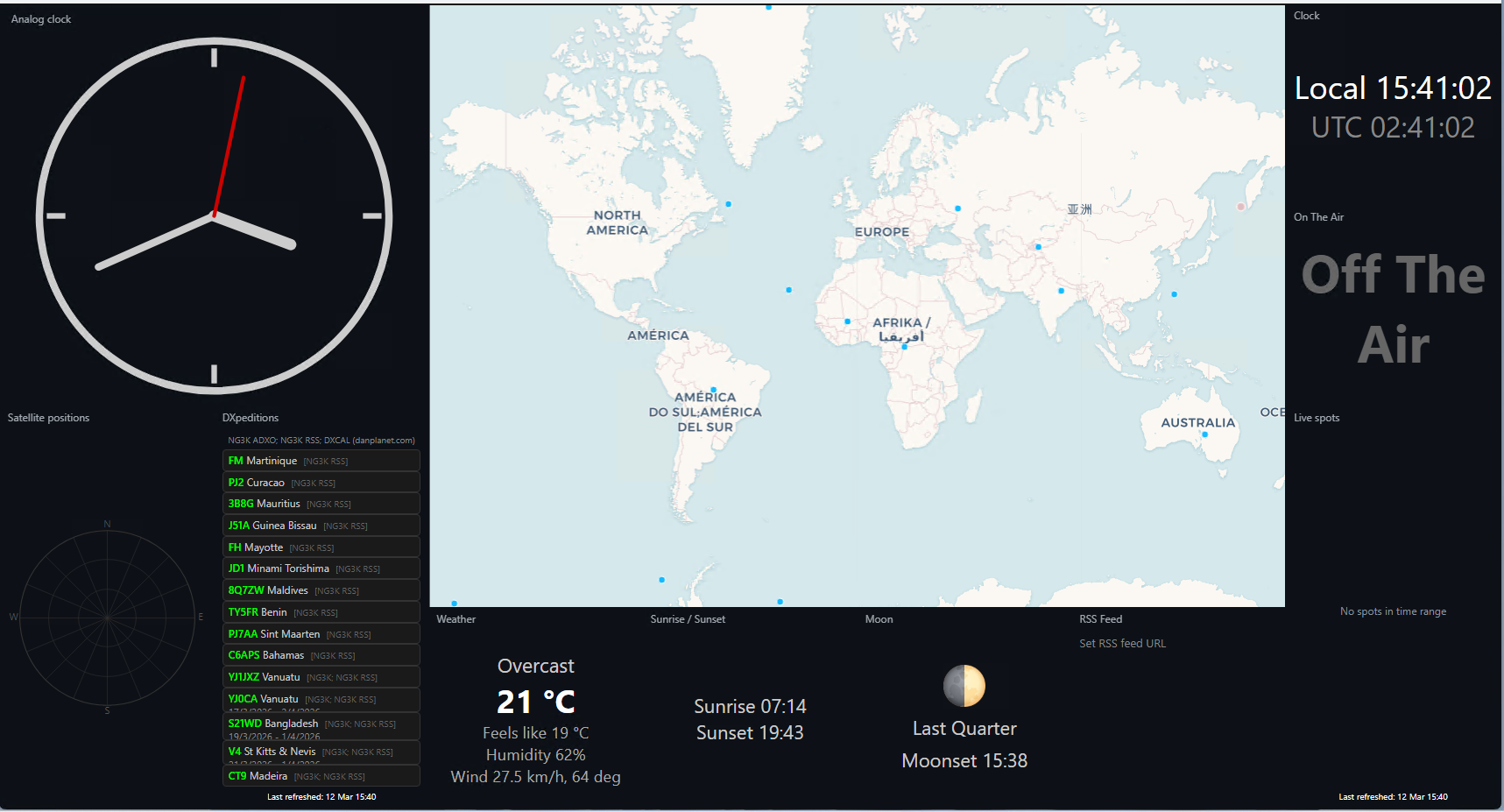
A modern rebuild of the original HamClock by Elwood WB0OEW. Real-time clocks, maps, weather, countdown, and more—in a configurable grid. Run as a desktop window or headless in the browser. It runs on any hardware: Windows, Linux, macOS, Raspberry Pi, or in Docker.
Thoughts go to Elwood; thank you for the project that so many use and that inspired this rebuild.
How do I install?
Download for Windows, run one command for Linux/Mac, or use Docker. Follow the prompts. Done.
Quick & Easy – Get the installer DockerInstallation (4 methods)
There are four ways to install GlanceRF:
Core installer (easiest) — Download a small installer; it fetches the latest code and runs the full installer.
- Windows: GlanceRF-Install-Windows.exe — double-click to run
- Linux:
curl -sSL https://glancerf.zl4st.com/installers/GlanceRF-install-Linux.sh | bash - macOS:
curl -sSL https://glancerf.zl4st.com/installers/GlanceRF-install-Mac.sh | bash
GitHub + installer — Download the GitHub ZIP, extract it, then run the installer from Project/installers:
- Windows: Double-click
installers\install-windows.bat - Linux:
chmod +x installers/install-linux.shthen./installers/install-linux.sh - macOS:
chmod +x installers/install-mac.shthen./installers/install-mac.sh
Manual — Download from GitHub, extract, then from the Project folder:
pip install -r requirements/requirements-linux.txt
python run.py
macOS: requirements-mac.txt. Windows: requirements-windows.txt or requirements-windows-desktop.txt for desktop.
Docker — Run the image from Docker Hub:
docker run -p 8080:8080 pomtom44/glancerf
Then open http://localhost:8080. Runs headless (server only). See DOCKER.md for options and config persistence.
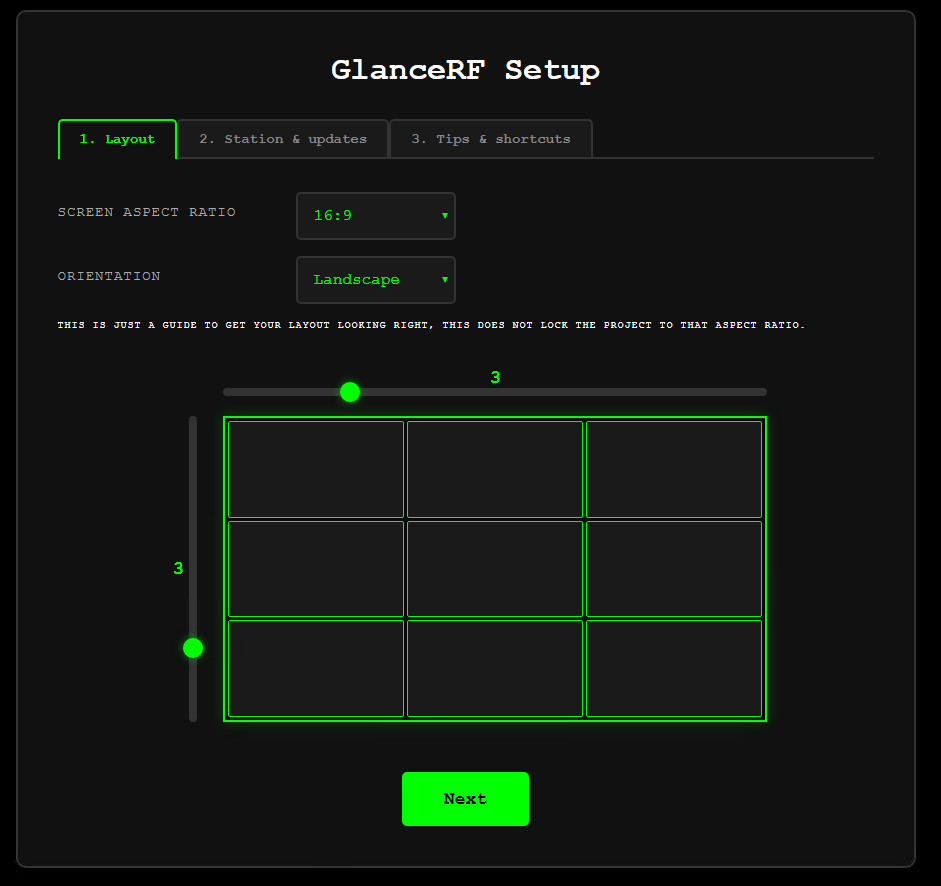
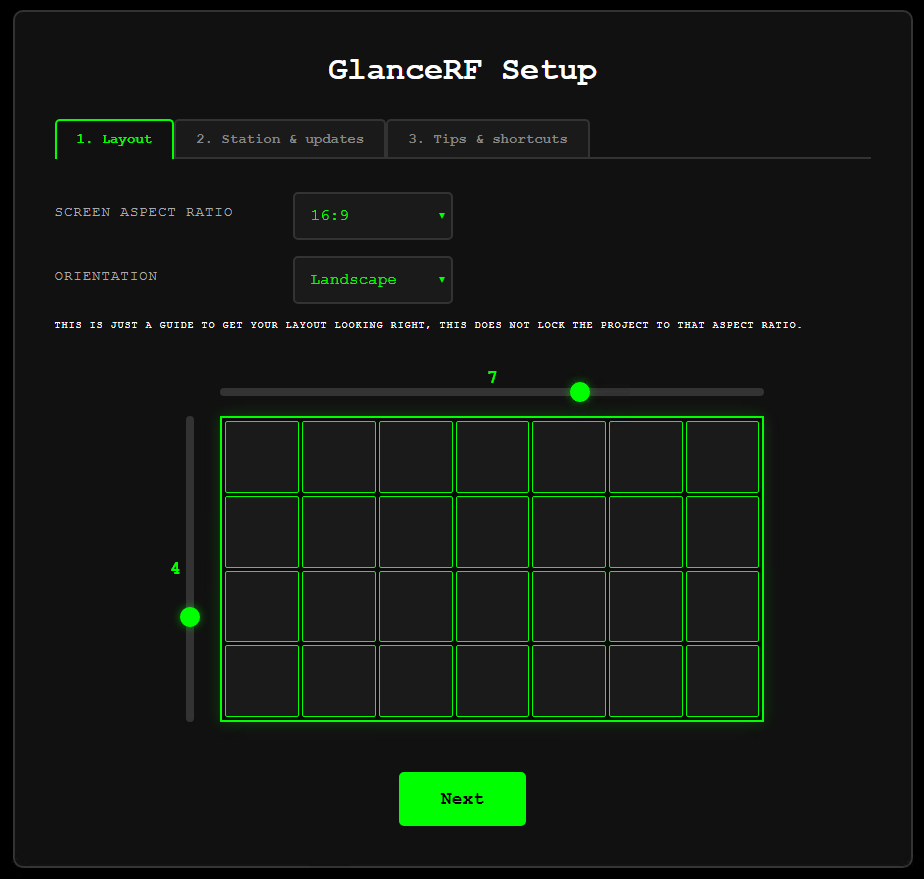
Follow the setup in the app window or in a browser (if headless). Open http://localhost:8080 for web access. Press M anytime to open the menu (Setup, Layout editor, Modules, Updates).
Configuration is stored in glancerf_config.json in the same folder as run.py.
Documentation
Full docs are in the GitHub repo:
- User guide – First run, setup, menu, layout, run at logon
- Installation – Windows, Linux, macOS, Docker
- Configuration – Config keys, environment variables
- Modules – Available modules, map overlays
- Debugging – Log levels, APRS debug, troubleshooting
- Telemetry – What is collected and how to opt out
Run Modes
Set via desktop_mode in config or installers.
- Desktop – Native window with embedded browser. Console hidden on Windows.
- Browser – Terminal + browser. Server runs in terminal; opens default browser.
- Terminal – Terminal only. No automatic browser.
- Headless – Server only. Use as Windows service, systemd, or launchd. Tray icon for quick access.
Features
-
Modes — Desktop app, browser+terminal, terminal only, or service (headless). Read-only port for public displays.
-
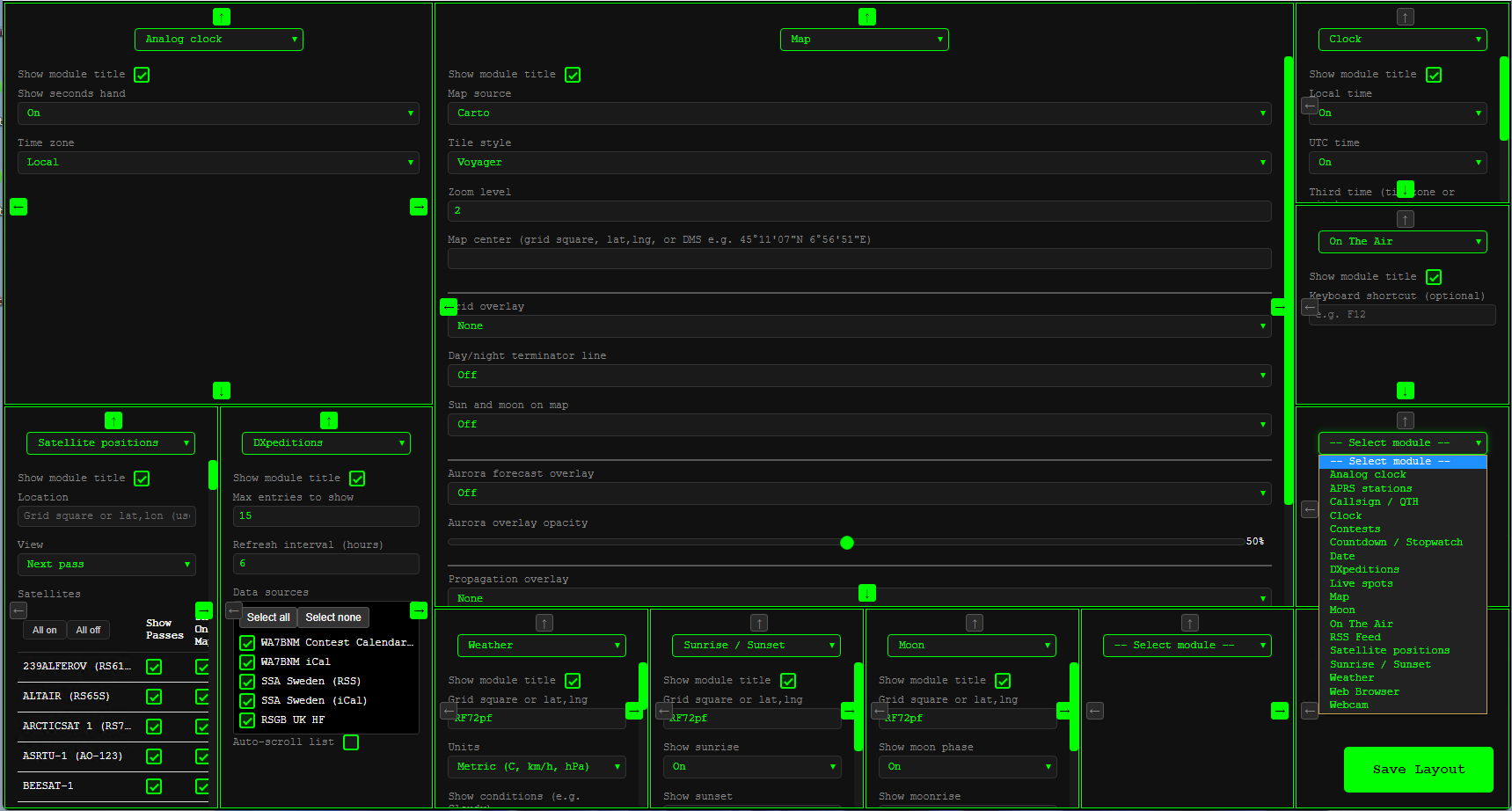
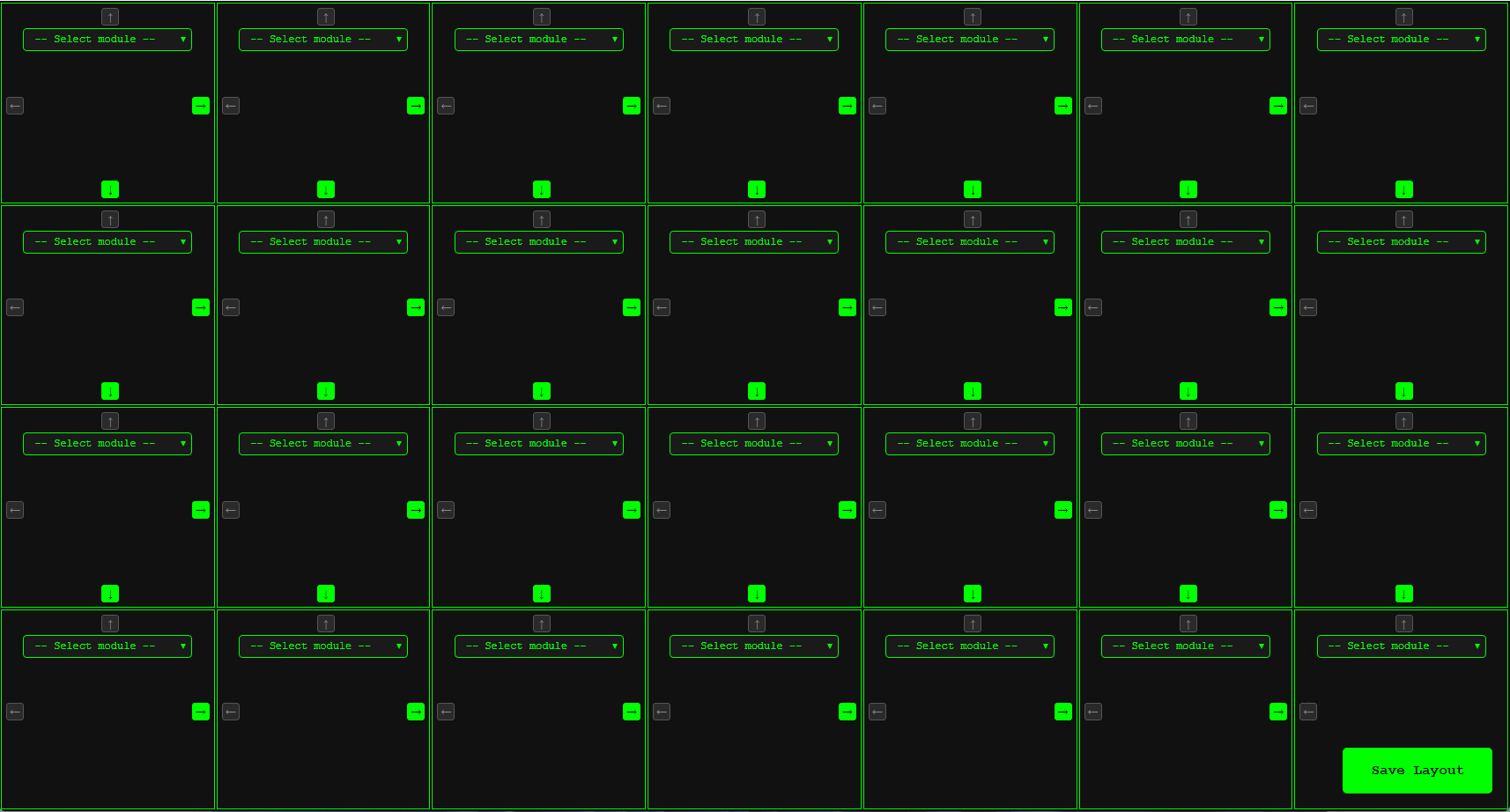
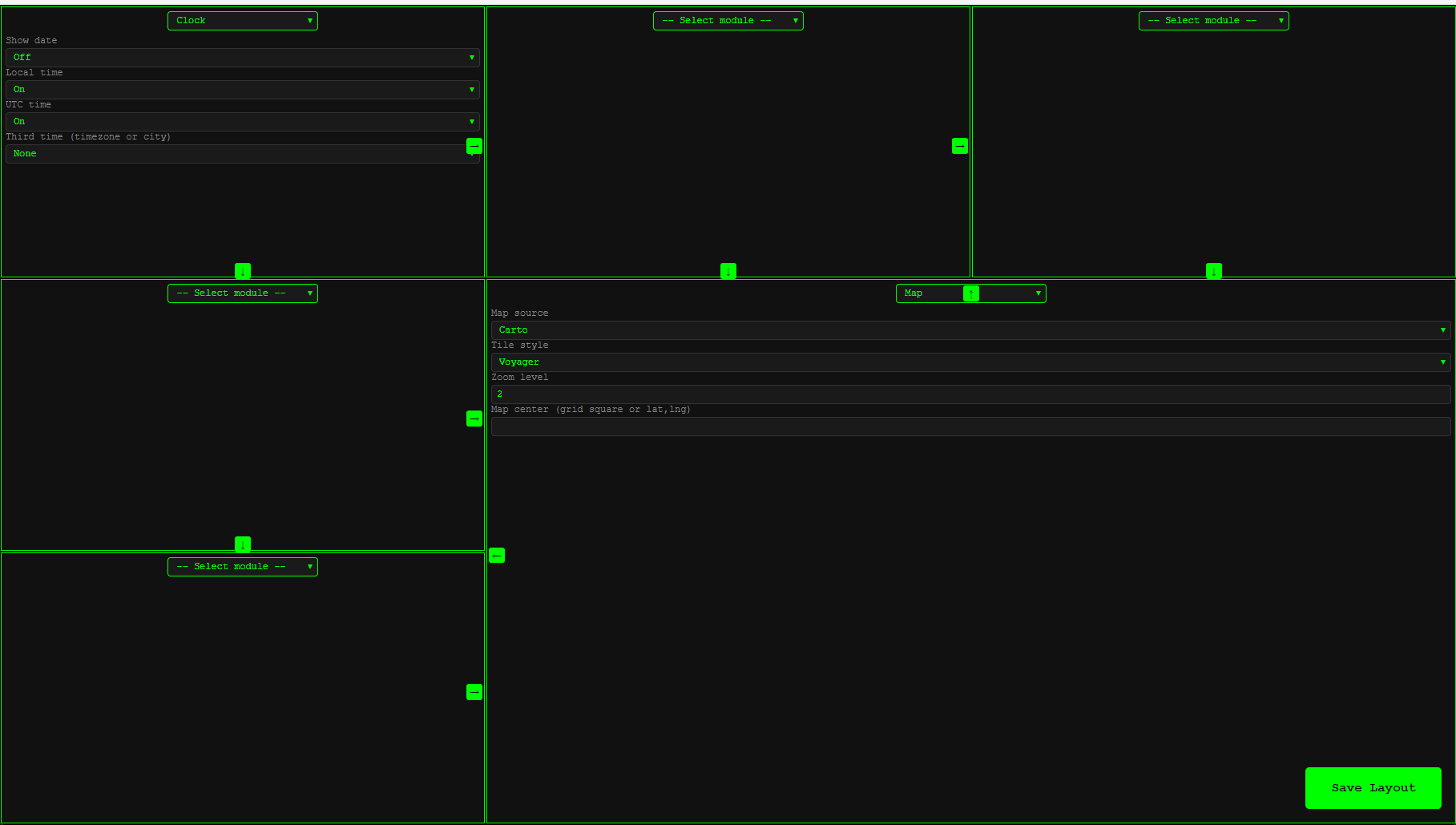
Layout — Any grid size, any monitor; modules resize to fit (no scrollbars). Choose which modules go where and resize or expand cells.
-
Built-in modules — Clock (local, UTC, international), analog clock, date, map (multiple tile sources; optional grid, day/night terminator, sun & moon, aurora overlay), weather, sunrise/sunset, moon phase, RSS feed, countdown/stopwatch, callsign/QTH, GPS, APRS. Custom modules in
glancerf/modules/_custom/survive updates. -
Web interface — Full UI in the browser; WebSocket updates without page reloads.
Technology
Python 3.8 or higher. FastAPI and WebSockets. Config in glancerf_config.json. Install dependencies with requirements-linux.txt, requirements-mac.txt, requirements-windows.txt, or requirements-windows-desktop.txt (PyQt5/PyQtWebEngine for Windows desktop).
Feature requests & Bugs
See FEATURE_REQUESTS.md for the list. Open an Issue on GitHub. No GitHub account? Email [email protected].
About
From the original HamClock
GlanceRF is a modern rebuild of the original HamClock by Elwood WB0OEW. Thoughts go to Elwood; thank you for the project that so many use and that inspired this rebuild.
Built for flexibility
Run it as a desktop window or server-only. Use it on a Raspberry Pi, your daily machine, or a wall-mounted display. Configuration is stored in glancerf_config.json.
Open source
GlanceRF is open source. The code is on GitHub; you can use it, modify it, and contribute. See the repo for the license and how to get involved.